All Document Reader & Editor
Bangladeshi Software Ltd.Tools
3.27.00 Reviews
- Version
- 1.0.7
- Installs
- 10.00K
- Age Rating
- Everyone
Screenshots
Our Review of All Document Reader & Editor
 Analysis by Appyee
When I need to open a document quickly, I usually do not want to think about which office app created it. That is the practical promise behind All Document Reader & Editor: bringing document reading and office editing into one tools app instead of making me jump between separate viewers. I spent time looking at it from that angle, and I found its main value less about replacing every specialist program and more about reducing small interruptions during everyday document work.
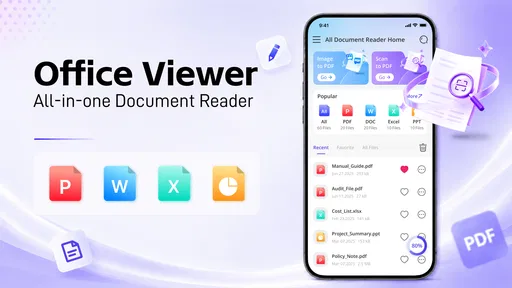
The app comes from Bangladeshi Software Ltd. and is free to use, with an Everyone age rating. Its current version is 1.0.7 and it runs on Android 8.0 or later. The listing describes it as an all-in-one document reader and office editor, while its shorter store description simply calls it an all-document reader. Those two descriptions point to the same central idea: one place for opening documents and making practical changes when I am away from a computer.
It has reached over ten thousand installs, with an average rating of 3.2 from around thirty ratings and seven written reviews. That is a modest user base, so I would treat the app as a developing utility rather than a mature office suite with a long history behind it. Still, the concept is useful, especially for people who regularly receive attachments, download forms, or need to inspect work files on a phone.
One app for opening and adjusting everyday documents
I find the most useful way to judge this app is to ask what happens between receiving a document and being ready to act on it. That everyday path can involve a download, a message attachment, or a file saved for later, and each extra handoff adds friction. I’d pay particular attention to which steps work smoothly with my usual connection, since that determines whether the app feels like a dependable shortcut or just another stop.
The capability that matters most
The strongest idea here is consolidation. Instead of keeping one app for reading documents, another for office files, and perhaps a third for quick edits, I can begin with this single utility and see whether it handles the file in front of me. That matters when a document arrives unexpectedly through a message or email and I need to check it immediately.
I would not describe that convenience as the same thing as a full desktop office replacement. A phone screen is still a phone screen, and a compact editor is naturally better suited to corrections, notes, or light preparation than to building a complicated report from scratch. The useful distinction is between quick document access and serious production work. This app is aimed much more clearly at the first situation, while still offering editing tools for moments when reading alone is not enough.
That combined approach also changes how I organize my phone. I do not need to remember which specialist reader might recognize a particular attachment. I can try the all-in-one route first, then move to a dedicated office suite only when the document demands more advanced control. For many casual users, that simpler starting point may be more valuable than a longer feature checklist.
How I would use it in practice
My preferred workflow begins before opening a file. I first keep the document in an easy-to-find folder and use the app as the central place to inspect it. That small habit makes a difference because a document reader is most helpful when it reduces hunting through downloads, chat attachments, and scattered storage locations. The app’s value is therefore partly about workflow, not just display.
For a file I only need to read, I would avoid editing immediately. I would open it, check the pages or contents, and decide whether a change is actually necessary. This sounds obvious, but it prevents the common phone-editing problem of making accidental changes simply because an editing interface is available. When I do need to adjust something, I would save a separate copy first whenever the original matters.
That separate-copy habit is one of my most useful recommendations for this kind of app. Mobile editing is convenient, but it is also easy to tap the wrong place, overwrite a document, or lose track of which version contains the latest change. Keeping the untouched file and the working copy distinct gives me a simple safety net without requiring a complicated document-management system.
I also find it helpful to use the app as a first-pass checker rather than assuming the phone view is the final presentation. A document that looks acceptable on a small screen may feel crowded, misaligned, or awkward when opened on a larger display. For a personal form or quick reference sheet, that may not matter. For a document intended for a client, teacher, employer, or public audience, I would still perform a final check elsewhere before sending it.
A realistic everyday scenario
Imagine receiving a form while travelling. The message includes an office document, but I only have my phone. I can open it in this app, read the instructions, make the necessary light changes, and keep a working copy ready for the next step. I do not need to wait until I reach a computer just to discover what the file contains.
The same workflow fits a student checking a shared assignment, a family member opening a downloaded document, or a small-business owner reviewing a file between appointments. In each case, the benefit is not advanced publishing. It is the ability to move from “I received a document” to “I understand what is inside and can make a practical adjustment” with less friction.
There is another useful scenario that is easy to overlook: document triage. I often receive files that I do not need to edit at all. Opening them in a general document utility lets me decide which ones deserve attention and which can simply be archived. That can be more efficient than launching a heavyweight office suite for every attachment, especially when the task is only to confirm a page, title, or instruction.
Where the all-in-one approach helps
The main advantage over separate readers is the shorter path between viewing and acting. With a reader-only app, I may need to export or share the file into another editor. With a large office suite, I may face a more complex interface than the task requires. This app sits between those extremes: it aims to let me inspect a document and handle a modest edit without changing tools.
That middle position is particularly appealing on older or less powerful phones, although I would not assume identical performance on every device. The minimum operating-system requirement is Android 8.0, so the app is available to people who are not using the newest phones. For those users, a focused tool can be preferable to installing several larger applications for occasional document work.
There is also a mental advantage. When I am helping someone who is not comfortable with mobile software, explaining one general document app is easier than explaining a different reader for every file type. The fewer choices they face at the start, the less likely they are to abandon the task before seeing the document.
Tradeoffs I would consider before relying on it
The first tradeoff is depth. An all-in-one design usually prioritizes breadth and convenience over the specialized controls found in dedicated office software. If I were preparing a long report, managing complex layouts, or collaborating intensively, I would choose a more established office suite. This app makes more sense when the document task is occasional, immediate, and relatively contained.
The second tradeoff is confidence. With an average rating of 3.2, I would approach it with sensible expectations rather than assuming every file will behave perfectly. A rating at that level does not tell me exactly which situations caused frustration, but it does suggest that the experience may not be equally smooth for everyone. I would test it with non-critical documents before making it part of an important work routine.
The third tradeoff is the difference between reading and editing on a small display. Reading can be comfortable when the file is simple, but editing requires more precision. Small controls, page movement, and text selection can become tiring, particularly when a document contains dense formatting. I would use the app for targeted changes and review the result carefully instead of attempting a large editing session on a phone.
There is also a practical risk in treating any mobile editor as a universal converter or formatting authority. Different document types can contain elements that do not translate perfectly between applications. Since the app is presented as a general reader and office editor, I would use it confidently for access and light work, but I would keep a specialist tool available for files whose layout, formulas, or advanced formatting are essential.
Small habits that improve the experience
My first tip is to separate three jobs: previewing, editing, and final checking. Preview the original, edit a copy, and then inspect the saved result from the beginning rather than only looking at the section I changed. This catches problems that are easy to miss when I focus on one paragraph or page.
My second tip is to rename working copies clearly. A simple name that indicates whether a file is original, revised, or ready to send prevents confusion when several similar documents are stored on the phone. This is especially useful when the app becomes the place where I handle files from different conversations or projects.
My third tip is to avoid using the app as the only archive for important material. I would keep important originals in a dependable storage location and use this app as the convenient reading and editing layer. That approach preserves the convenience of mobile access without making one utility responsible for the entire document history.
A fourth useful habit is to test the exact kind of file I expect to receive before an urgent situation occurs. Opening a harmless sample lets me learn how comfortable the reading and editing process feels on my device. It also tells me whether the app is suitable for my personal workflow, rather than leaving that discovery until I am standing in a queue or travelling without a computer.
Who gains the most from it
I think the best match is someone who opens documents regularly but does not need a complete professional office environment. Students checking assignments, families handling forms, independent workers reviewing attachments, and small teams making quick corrections can all benefit from the single-app approach. The free price makes it easy to try without committing money to a tool that may only be used occasionally.
It can also suit people who value simplicity over a large menu of specialist features. If my usual requirement is “open this file, read it, and make a small change,” an all-in-one reader and editor is more sensible than maintaining several separate apps. The experience is most convincing when convenience is the priority and the document itself is not especially complex.
I would skip it as my main office solution if my work depends on advanced formatting, detailed spreadsheet operations, extensive collaboration, or strict compatibility with a particular professional suite. In those situations, the usual alternative is better because it is built around depth rather than general access. I would also choose another option if I needed a highly polished, proven workflow for critical documents and could not afford to test first.
That does not make this app a poor choice; it defines its proper role. I see it as a practical bridge between a document arriving on my phone and a more serious editing environment. It can save time when I need immediate access, while a dedicated suite remains the better tool for demanding production work.
My final view after using its central idea
All Document Reader & Editor is most appealing when I judge it as a convenience tool rather than a replacement for every office application. Its core capability—bringing document reading and light office editing together—can remove an annoying step from everyday mobile work. The real benefit appears in unplanned moments: an attachment to inspect, a form to adjust, or a shared file that needs a quick review before I reach a computer.
At the same time, I would keep expectations realistic. The moderate average rating and relatively small number of ratings mean I would test it with ordinary, non-critical files before trusting it with important work. I would save copies, check edited documents carefully, and move to a specialist suite whenever layout precision or advanced controls become central.
For me, the deciding question is simple: do I need a dependable way to open and lightly handle many kinds of documents, or do I need a full professional office workstation on a phone? If the first description fits, this free tools app is worth trying. If the second describes my work, I would use it only as a convenient reader and keep a more specialized alternative for everything demanding.
Verdict
Strengths of All Document Reader & Editor
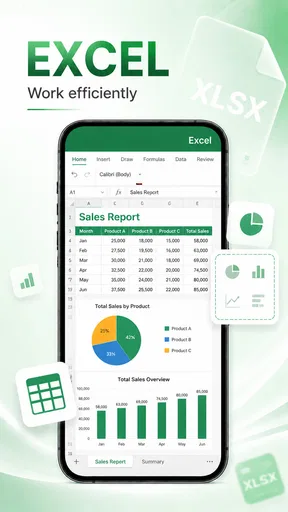
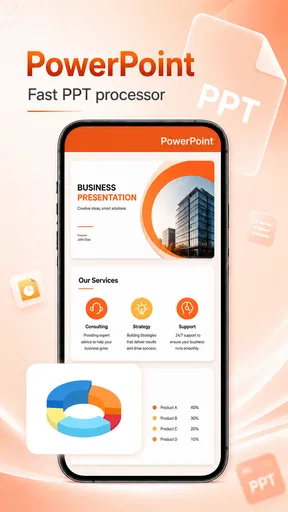
- Opens PDF, DOCX, XLSX, PPTX, and many other formats
- Built-in search makes finding text in long files quick
- Supports offline access after documents are stored locally
- Simple interface is suitable for casual and first-time users
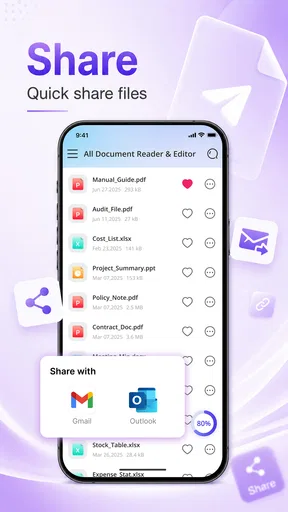
- Useful sharing and export options for sending edited files
Limitations of All Document Reader & Editor
- Some advanced editing tools may require a premium subscription
- Ads can interrupt navigation in the free version
- Large documents may take longer to load on older devices
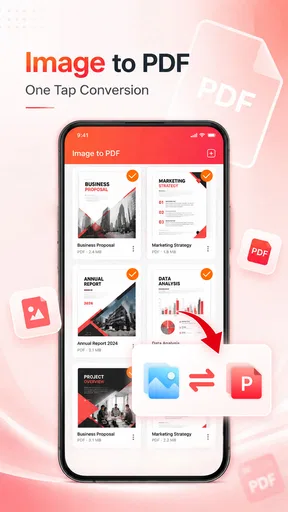
- Formatting may change when converting between file types
- Cloud integration options may be limited compared with office suites
Similar Picks in This Category
View All
Google LLC4.0

Gboard - the Google Keyboard
Google LLC4.5

Google Play services
Google LLC4.3

Google Play Store
Google LLC4.9

Files by Google
Google LLC4.5

SHAREit: Transfer, Share Files
Smart Media4U Technology Pte.Ltd.4.3
Frequently Asked Questions
What is All Document Reader & Editor, and which file formats does it support?
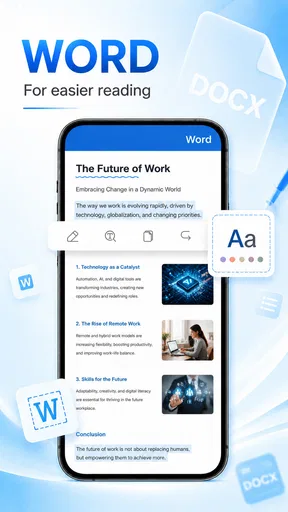
All Document Reader & Editor is a mobile productivity app designed to open, read, organize, and sometimes edit common office and document files from one place. Depending on the version and device, it may support formats such as PDF, DOC, DOCX, XLS, XLSX, PPT, PPTX, TXT, and image-based documents. Users should check the app listing for the exact supported formats before downloading.
Can I edit documents with All Document Reader & Editor, or is it mainly a viewing app?
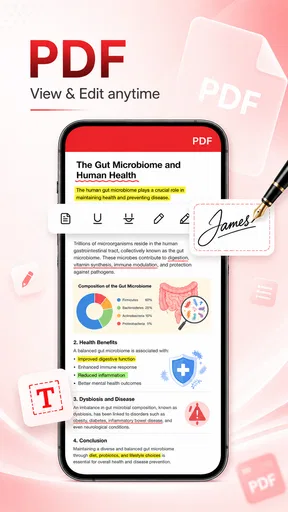
The application is primarily useful for viewing documents, but its editing tools can vary by file type and by the features included in the installed version. Basic actions may include adding text, annotations, signatures, highlights, or making simple changes, while advanced word-processing and spreadsheet functions may be limited. Review the available tools and in-app purchase details before relying on it for professional editing.
Does All Document Reader & Editor work without an internet connection?
Many documents stored locally on your phone can generally be opened without an internet connection, which makes the app convenient for travel, school, or work situations. However, features such as cloud synchronization, online file imports, advertisements, document conversion, or certain sharing services may require internet access. Offline availability can also depend on the file location and the app version.
Is All Document Reader & Editor safe to use for private or sensitive documents?
Users should be careful when opening confidential files in any third-party document application. Before using All Document Reader & Editor for financial, legal, medical, or work documents, review its privacy policy, permissions, data-handling practices, and whether files are uploaded to external servers for conversion or processing. Avoid granting unnecessary access and use device security features to protect stored documents.
Is All Document Reader & Editor free, and are there advertisements or premium features?
The app may be available as a free download, but free access can include advertisements, usage limits, or restrictions on editing, converting, sharing, and advanced document tools. Some versions offer subscriptions or one-time purchases to remove ads and unlock premium functions. Check the current Google Play or App Store listing carefully, including trial terms and recurring billing details, before confirming any purchase.
